Showing posts with label control. Show all posts

Easy Controller Control Center v1 0 0 5 apk


Description
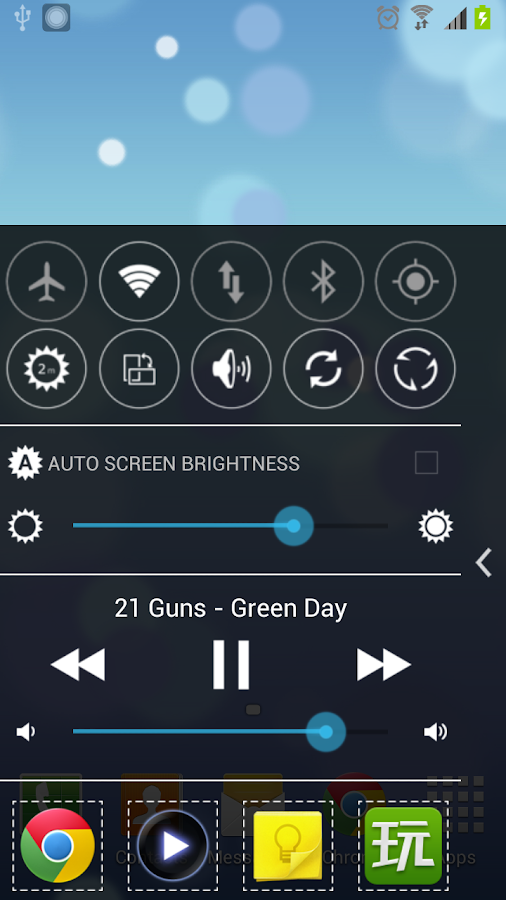
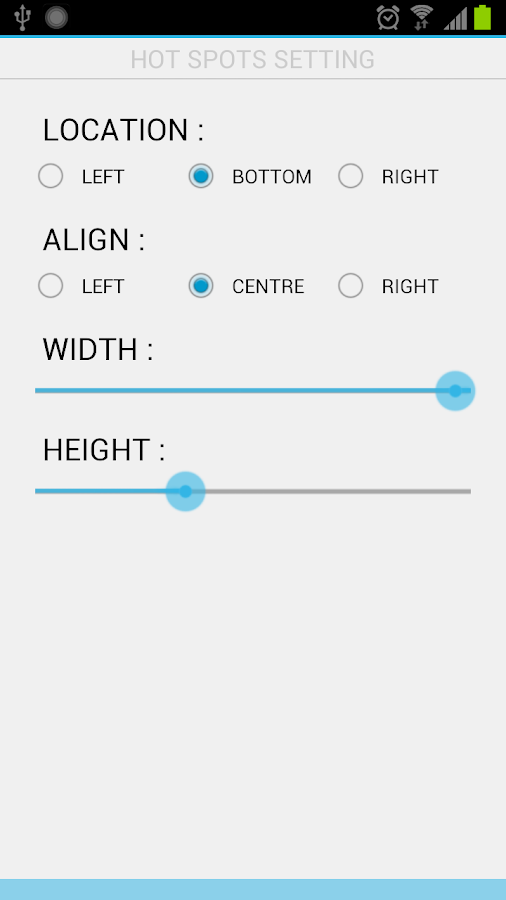
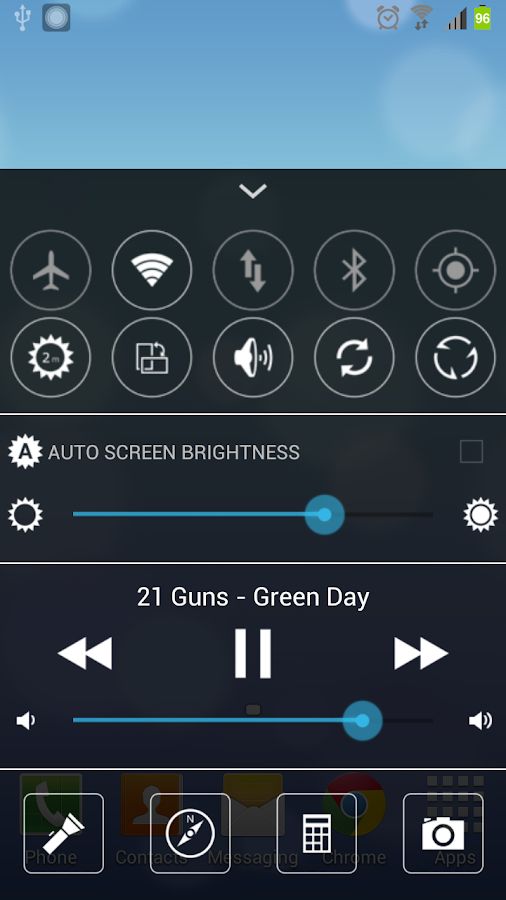
Easy Controller like IOS7 Control Center, it is a panel which look like notification bar, but it location at bottom(or left, right).Your can open it any where on screen, so can easily change phone setting, play/stop music, start app and so on.

Feature:
- Airplane mode switch
- WIFI switch
- Moblie data(2G/3G) switch
- Bluetooth switch
- GPS switch
- Screen timeout setting
- Screen rotation switch
- Ringer mode switch
- Auto sync switch
- Clean memory
- Screen brightness setting
- Auto Screen brightness switch
- Media button(Play/Stop, Next, Previous)
- Media volume
- Flashlight
- Map app shortcut
- Calculator app shortcut
- Camera app shortcut

Change Log
- Add HD icons
- Hide to notification bar(Long tap arrow)
- Play mode
- Music folder selection

Images

Downloads
Download
Read More..

TeamViewer for Remote Control v8 0 1432


Description
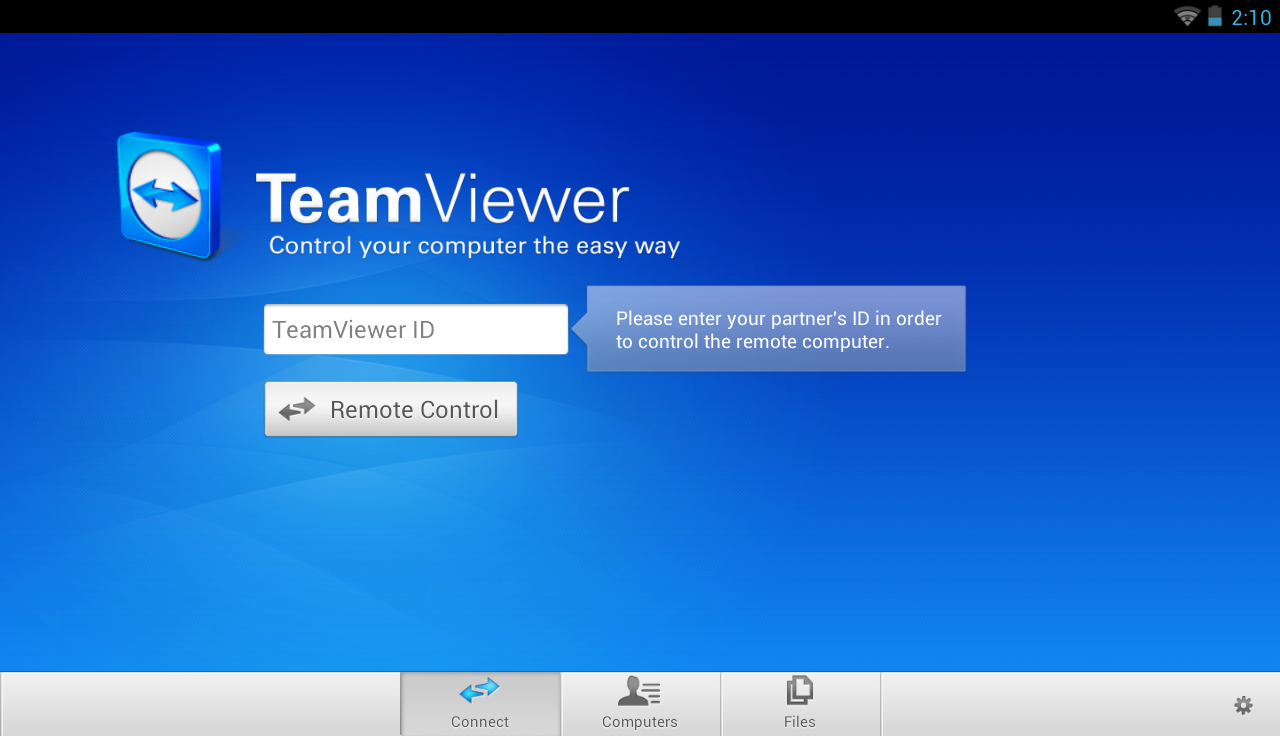
Mobile and flexible: remotely access computers from your android device!
Easily support friends and family when they have computer problems - no matter where you are. You can also benefit from gaining access to your private home computer to edit documents or use particular software while you are on the road.

Features
- Both spontaneous support for friends & family and access to unattended computers (Windows, Mac, Linux) are possible - also during a telephone call
- Transfer files from your Android mobile device to any computer and vice versa
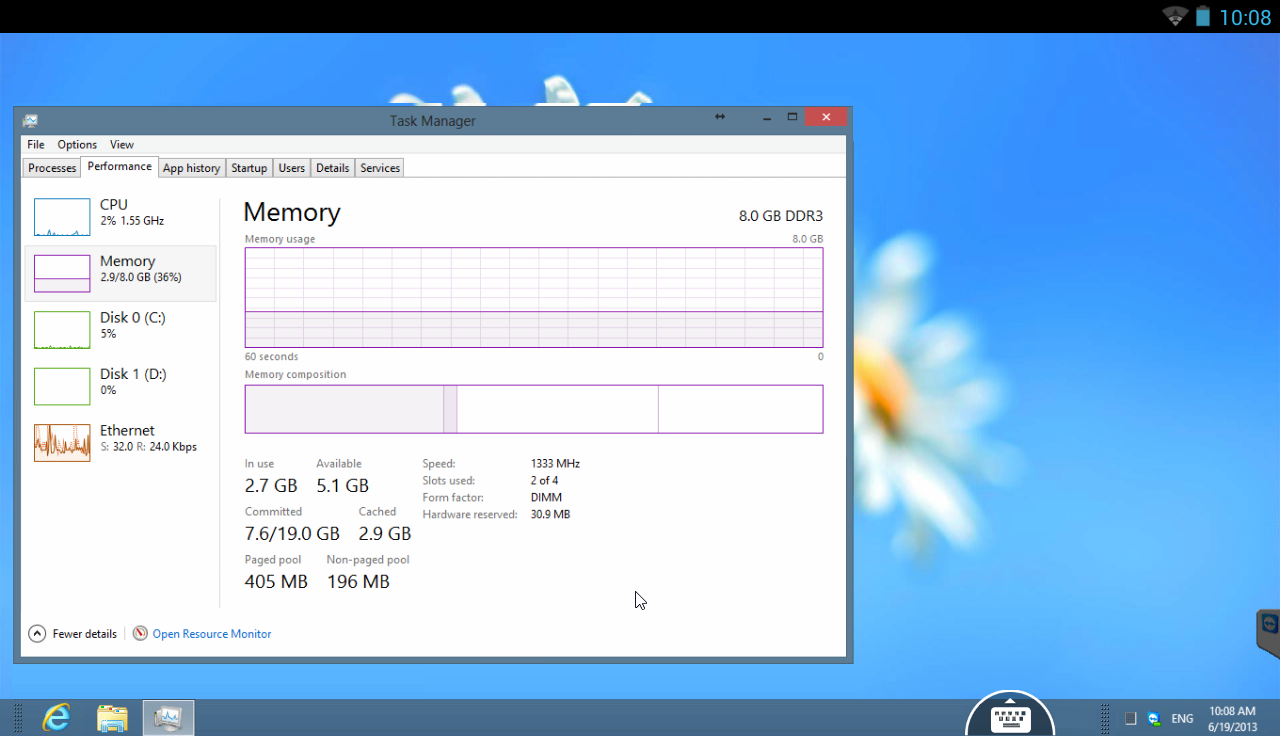
- Conveniently control remote computers using the multi-touch gestures: left click, right click, drag & drop, scroll wheel, zoom
- Complete keyboard control incl. special keys such as Ctrl, Alt, Windows®
- Meets highest security standards: 256 Bit AES Session Encoding, 1024 Bit RSA Key Exchange
- Effortlessly access computers behind firewalls and proxy servers
- Automatic quality adjustment
- Remotely reboot the computer
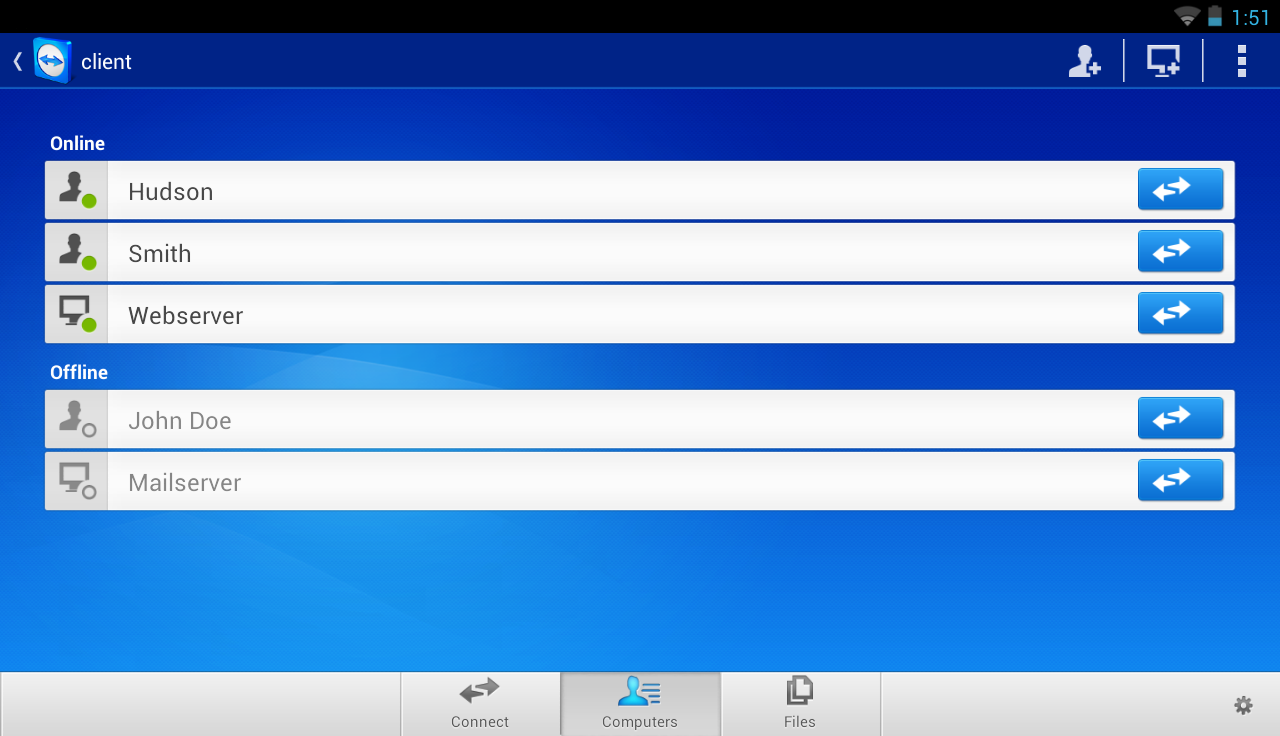
- Overview of friends and computers that are online - via the integrated computer list
- Tablet ready

Private use
TeamViewer Free is intended for private use only, e.g. to access your private computers or help friends with their computer problems.

Change Log
- Lock remote computer” at the end of the session can be set to: Auto select, Always, or Disable
- Play computer sounds and music” can be deactivated
- Clipboard synchronization
- When leaving the app during a connection, possibility to return to the open session by clicking on the TeamViewer icon on the desktop
- Various other minor fixes and improvements

Images


Downloads
Download
Read More..